Your store listing is the last thing someone sees before they decide whether to download your app. It's your shop window. You can spend months getting the product right, but if the listing doesn't show people why your app is worth their time, many of them will scroll straight past.
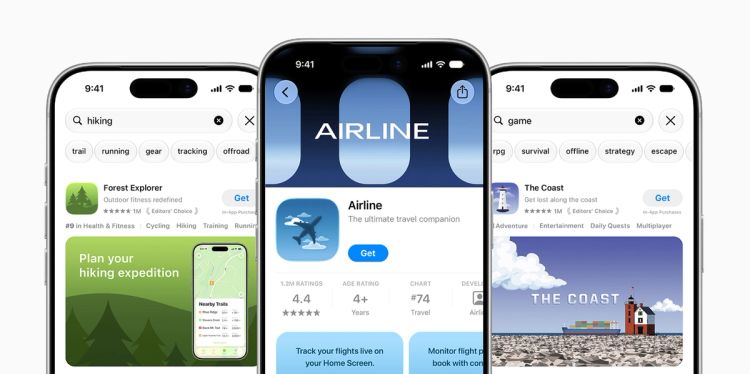
That window has just been redesigned. At WWDC in June, Apple announced Creative Assets, a new kind of marketing image and video that sits at the top of your App Store product page and appears in search results. They're arriving this autumn with iOS 27, so now is a good time to look again at how your app presents itself in both stores.
In this guide, we'll explain what's changed, the basics that still matter, how Google Play compares and the things we'd want you to be aware of before you start.